Download
Here are the latest softwares, tools, firmware updates
and manuals for the Pacemaker DJ Device.
Here are the latest softwares, tools, firmware updates
and manuals for the Pacemaker DJ Device.
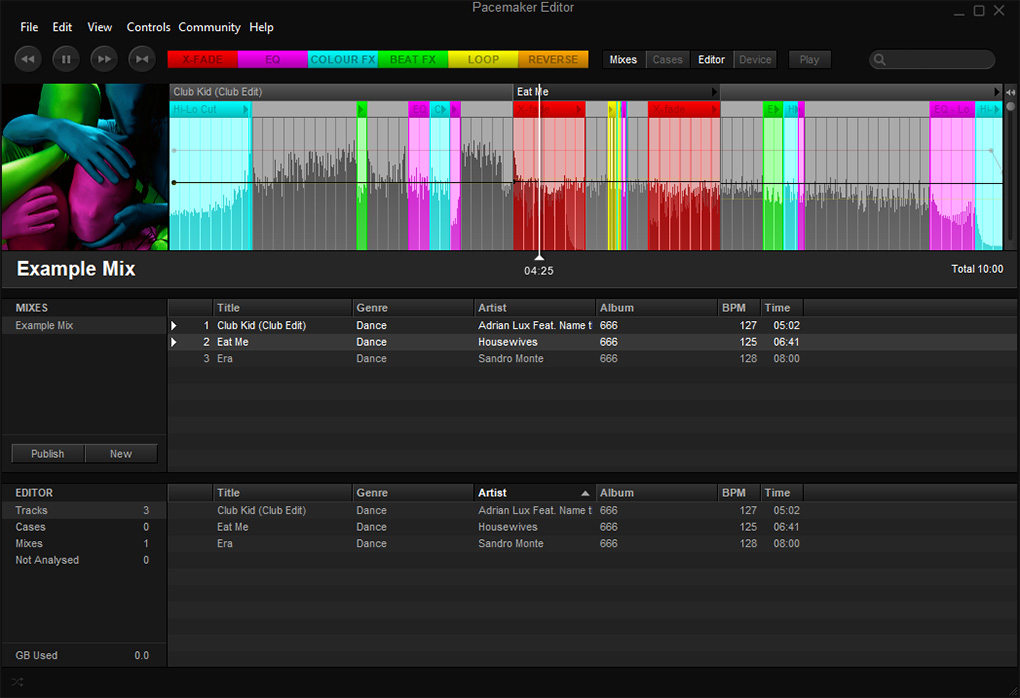 Pacemaker Editor 2.0.2.14170
Pacemaker Editor 2.0.2.14170
Official software for syncing and importing music to the Pacemaker Device.
(macOS 32-bit software is only supported up to macOS 10.14 Mojave)
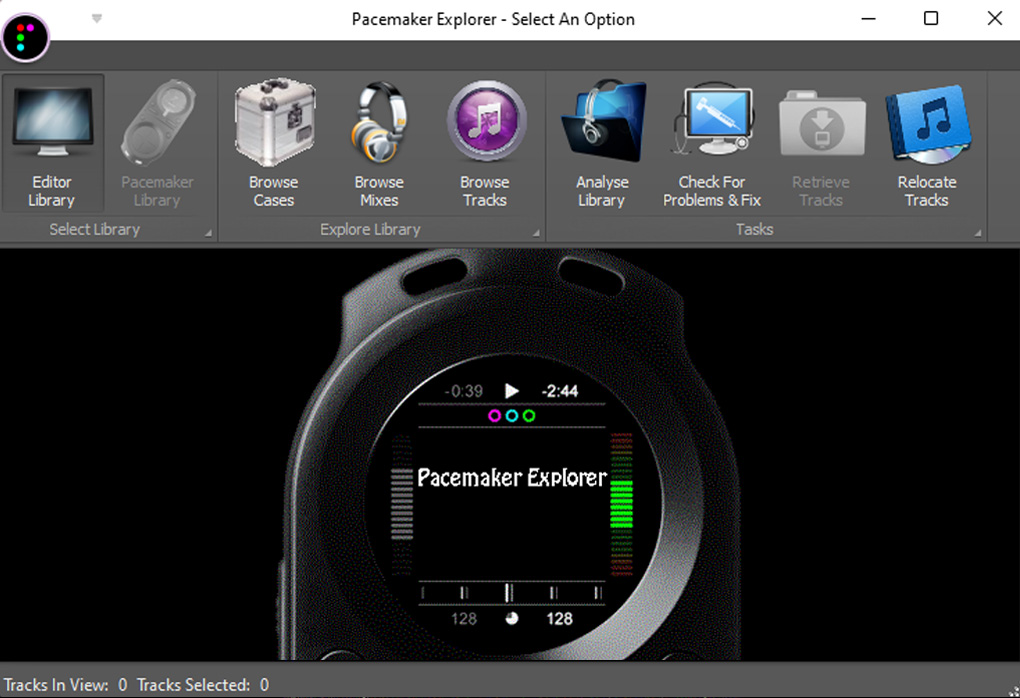 Pacemaker Explorer v1.03
Unofficial software for managing the music library on the Pacemaker Device.
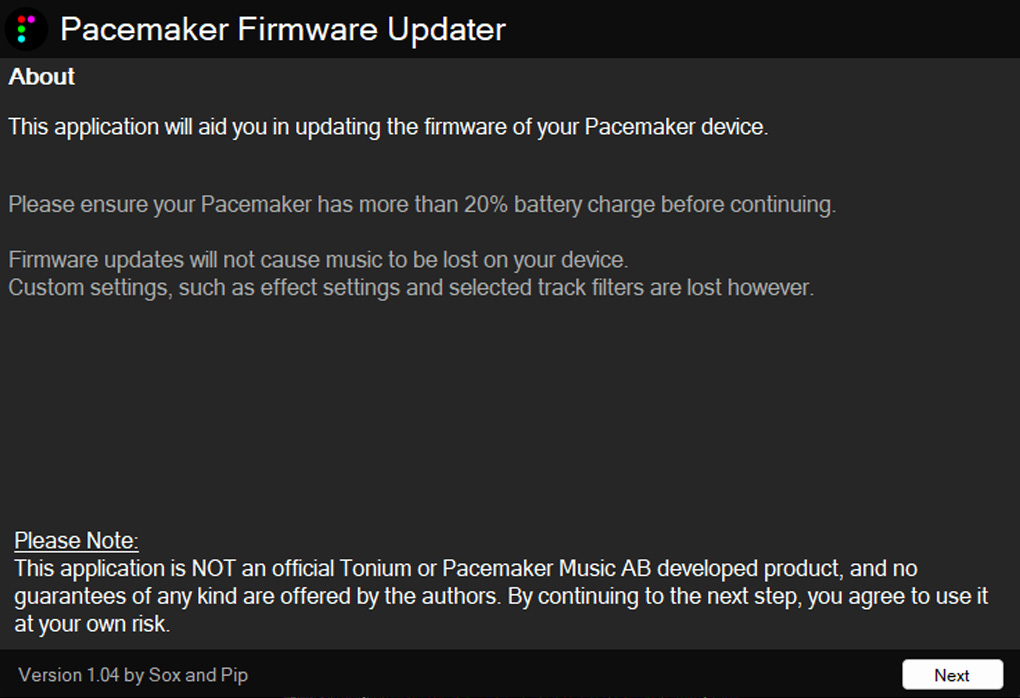
Firmware updates
Version 13606814 - Dec 2015 (Latest Beta)
New white noise effect, stability fixes!
Version 146061537 - Feb 2014 (Beta)
Improved scratching, improvements to sync lock!
Version 180096069 - Sep 2012 (Beta)
Adds scratching, beatlock, tempo sync lock
and snappy loops!
Version 16219
Leaked Tonium Release. Beatjump added.
Sometimes error 0201 shown.
Version 14142 (Latest Stable)
Last Official Tonium Release.
Version 14108
Previous Tonium Release.
Version 13557
Old Tonium Release (Not recommended).
New white noise effect, stability fixes!
Version 146061537 - Feb 2014 (Beta)
Improved scratching, improvements to sync lock!
Version 180096069 - Sep 2012 (Beta)
Adds scratching, beatlock, tempo sync lock
and snappy loops!
Version 16219
Leaked Tonium Release. Beatjump added.
Sometimes error 0201 shown.
Version 14142 (Latest Stable)
Last Official Tonium Release.
Version 14108
Previous Tonium Release.
Version 13557
Old Tonium Release (Not recommended).
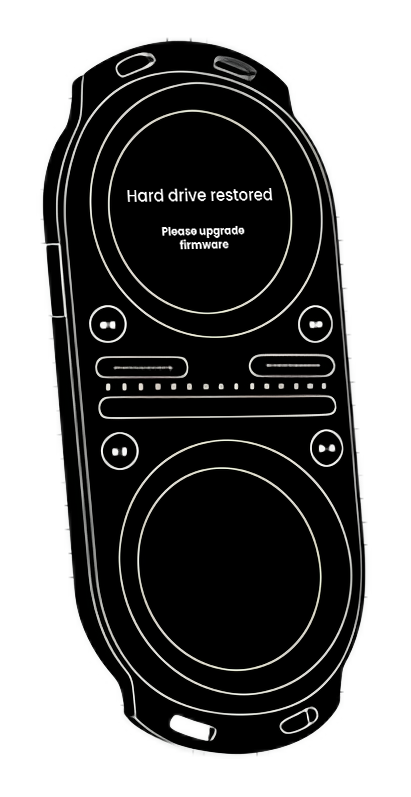 Please note: Use of the beta firmware is at your own risk!
We recommend you to update your Pacemaker Firmware using the Pacemaker Updater tool. This application is not an official Pacemaker software and all use is at your own risk.
If you know how to do it, you can update your Pacemaker manually by downloading a firmware file and placing it inside the .Pacemaker folder on your device.
If your device is bricked - you can restore the base firmware using this software.
Pacemaker Device Restore v14142
Pacemaker Device Restore v14142
(macOS 32-bit software is only supported
up to macOS 10.14 Mojave)
Follow these steps (At your own risk!):
1. Make sure that the Pacemaker is NOT connected to your computer.
2. Turn on the device and instantly press and hold the REW, FWD, PLAY and CUE buttons to place the device in DFU mode.
Please note: Only use this mode if your device is truly bricked.
I believe you'll know when you have reached this mode as only the left deck light will be lit. If you see the boot logo - I believe you've not entered DFU mode and you should try again.
3. Once in DFU mode, connect the device to your computer using the USB cable.
4. Download "Pacemaker Device Restore" and run the setup file.
Please note: You need to right click on the file and choose 'Run as Administrator' under Windows Vista/7/8/10/11 for this to work correctly.
5. Leave all the default options checked and hopefully it will say 'Devices found: 1' and your device will be re-flashed.
Please note: I can't emphasise the importance of not-disconnecting your Pacemaker during this process as it really will become a paperweight without even a boot logo if you unplug it during this process.
You will loose all music, all settings, all files - but I guess you feel like you've already lost that currently.
1. Make sure that the Pacemaker is NOT connected to your computer.
2. Turn on the device and instantly press and hold the REW, FWD, PLAY and CUE buttons to place the device in DFU mode.
Please note: Only use this mode if your device is truly bricked.
I believe you'll know when you have reached this mode as only the left deck light will be lit. If you see the boot logo - I believe you've not entered DFU mode and you should try again.
3. Once in DFU mode, connect the device to your computer using the USB cable.
4. Download "Pacemaker Device Restore" and run the setup file.
Please note: You need to right click on the file and choose 'Run as Administrator' under Windows Vista/7/8/10/11 for this to work correctly.
5. Leave all the default options checked and hopefully it will say 'Devices found: 1' and your device will be re-flashed.
Please note: I can't emphasise the importance of not-disconnecting your Pacemaker during this process as it really will become a paperweight without even a boot logo if you unplug it during this process.
You will loose all music, all settings, all files - but I guess you feel like you've already lost that currently.